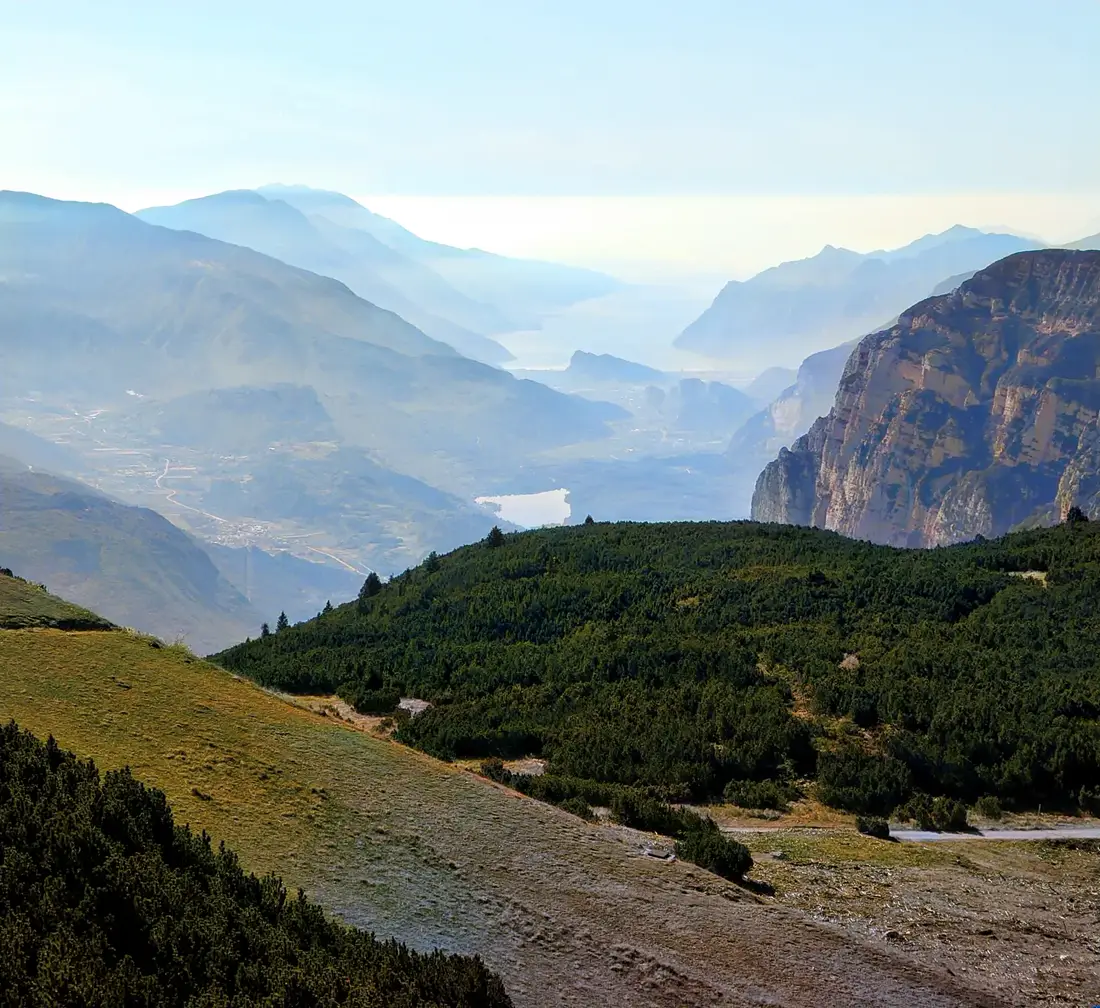
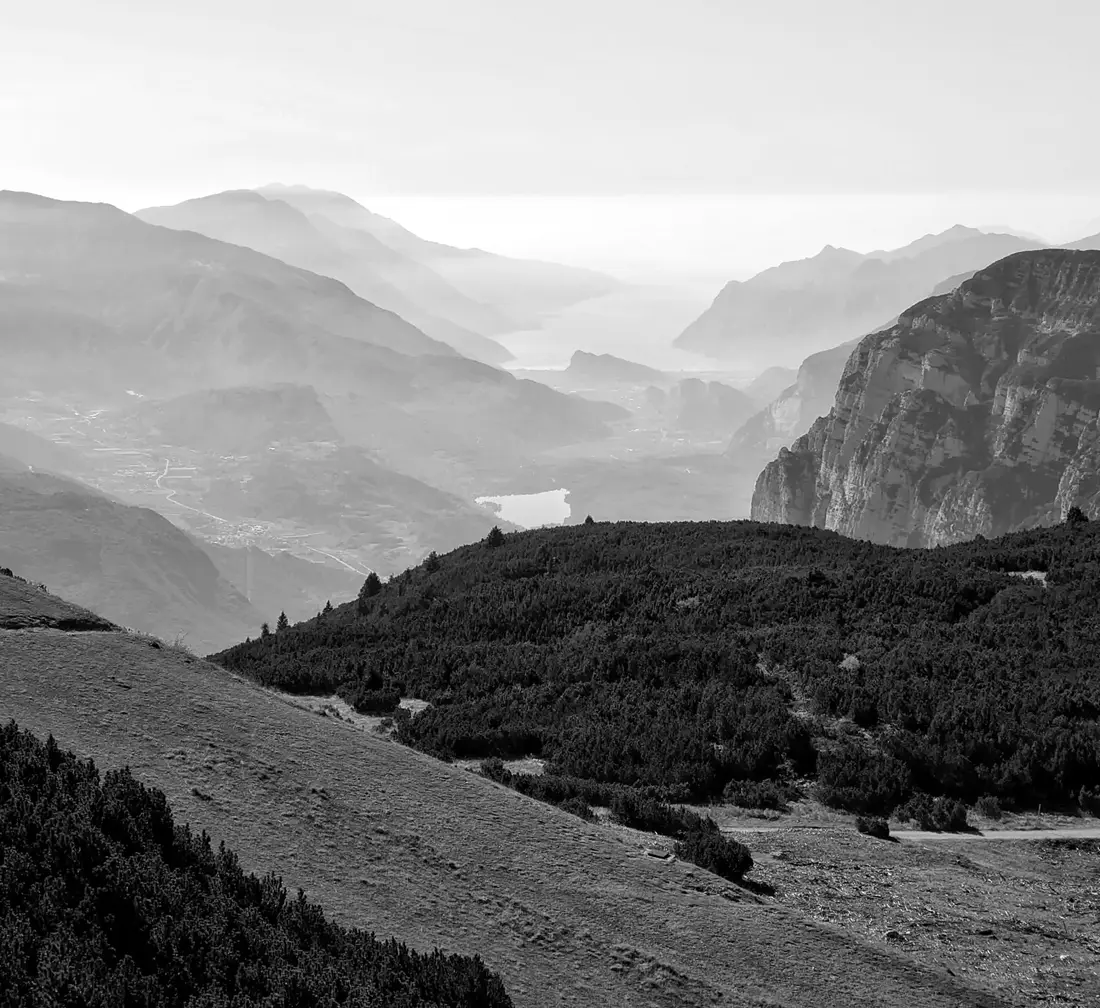
Colorize
Fills a black and white photo with believable colour, then you grade it like any other picture.
Into the quiet hours.
A real multi-track timeline, captions that follow every word, AI tools that clean up and colour in, and templates you can make your own.
Free to downloadNo account needed
01Editor
Every layer has its own track: video, overlays, text, music and voice. Split to a tenth of a second, then see the result straight away.
01 / 04
Lay a clip over a clip, pick a blend mode or a mask, and keyframe its position, scale and opacity along a path.
02 / 04
Basic, Motion, Light, Glitch and Shape transitions, each with a duration you set.
03 / 04
Titles with fonts, styles and animations that play in, out or on a loop.
04 / 04
Looks, adjustments and effects you can stack, compare and fine-tune per clip.
02Auto captions
Tap once and Videoro writes the captions for you, timed to each word you say. Pick a style, then move, colour and animate them like any other text.
033D Motion and Pop Out
Videoro reads the depth of a single still and moves a camera through it: push in, orbit, rise or reveal. The Pop Out template uses the same depth to lift the subject off the frame and cut every photo to your music.

Pop Out
The Pop Out template lifts the subject off the photo and cuts each one to your music. Shown here with a cup of coffee.
Illustration of the effect.


04AI tools
Bring colour back, take things out, lift the subject off its background and pull the voice away from the music. Every result stays editable.
Fills a black and white photo with believable colour, then you grade it like any other picture.
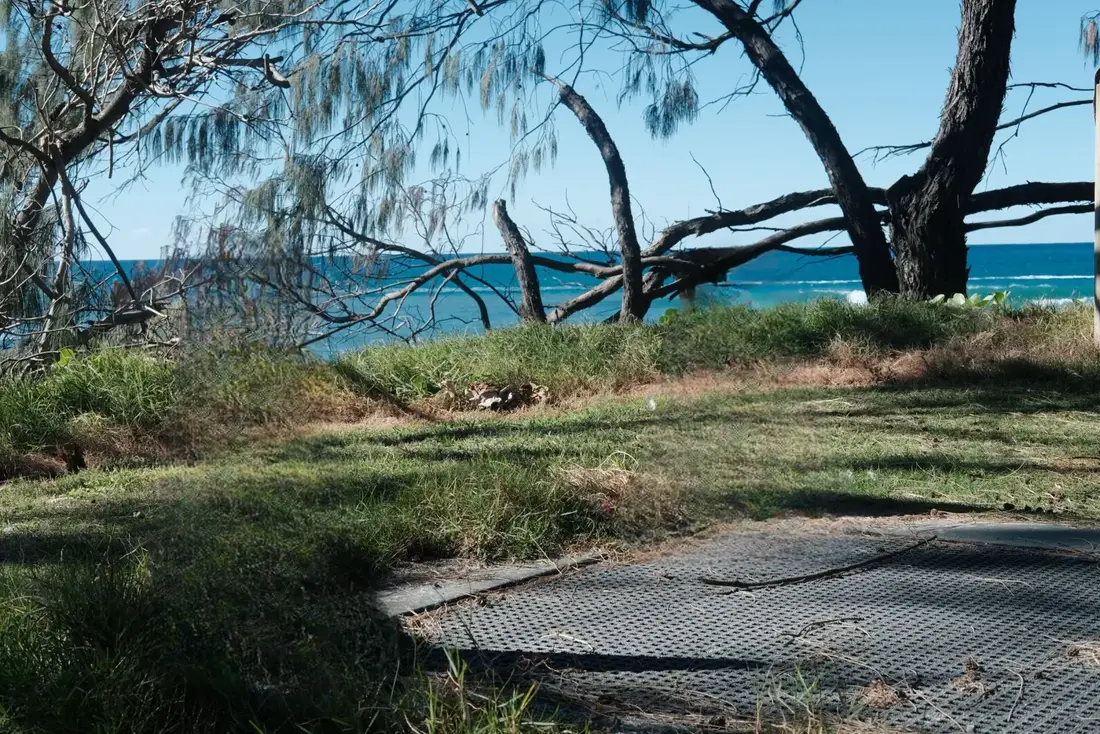
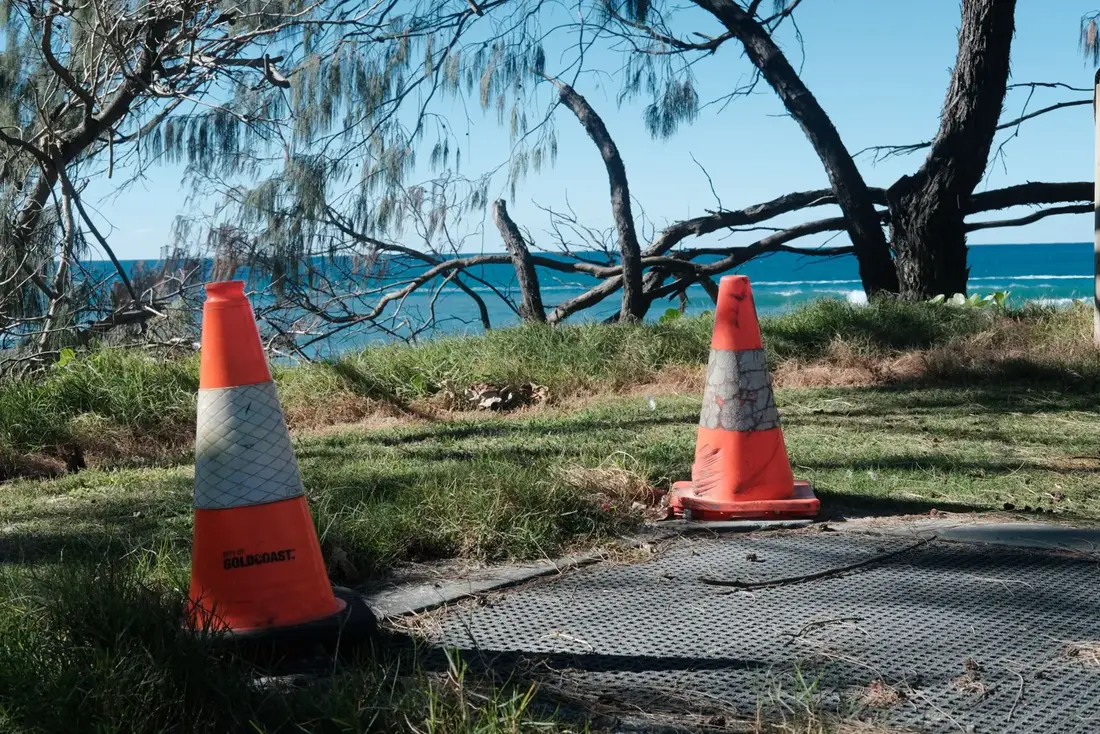
Paint over what shouldn’t be there and the background is rebuilt. Works on photos, and on video with Pro.

Lifts the subject in one tap. Give it a new backdrop, or use chroma key on video.
Separates speech from the soundtrack, so you can keep one, mute the other or swap the song.
Sharpens soft footage without shifting your colours. AI UHD upscales photos and clips with Pro.
Long video in, short clips out. It finds the moments worth keeping.
05Templates
A template restyles your own footage: the look, the transitions, the titles and cuts timed to the beat. Scroll to try a few on one clip.
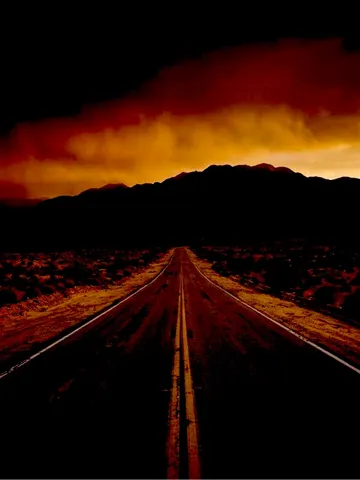 CinematicWide and moody
 MonoBlack and white
 RetroVintage film
 VlogBright and punchy
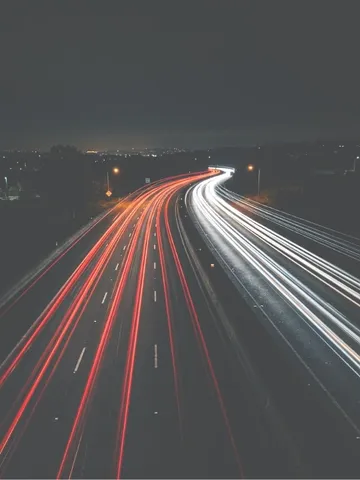 VelocityCut to the beat
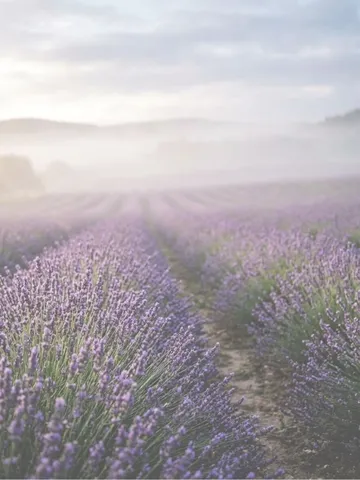 DreamySoft and hazy
Plus collage layouts, AI templates such as Pop Out and 3D Motion, and community templates, reviewed before they’re published.
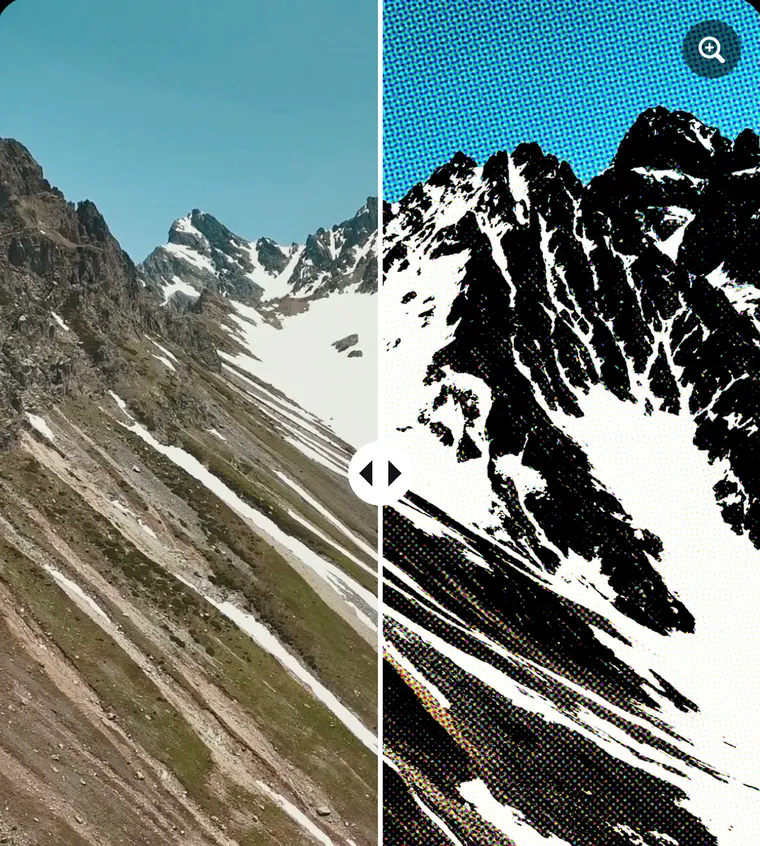
06Photo studio
Retouch, reshape and restyle in the same app you cut video in. Every step can be undone and redone.
07Export
Up to 3840×2160 with Pro
Smooth motion for fast cuts
TikTok, Reels and Shorts
iPhone and Android. The same editor on both, with sharing straight to TikTok, Instagram and WhatsApp.
Free and Pro
$0forever
The whole editor. No account needed.
3 days freefor new users
Monthly and yearly plans. See the price for your country in the app.
Prices in US dollars; local prices may vary. Subscriptions renew automatically through your Apple ID or Google Play account unless cancelled at least 24 hours before the end of the period. Terms of Use · Privacy Policy
Questions
Something else? Visit Support.
Yes. The whole editor is free to download and use, with no account. Free exports are 720p with a small Videoro watermark. Pro adds 1080p, 2K and 4K export, removes the watermark and ads, and unlocks the Pro AI tools.
Watch one short video before you export. That project then exports without the watermark, in 1080p at 60 fps.
Pro is available as a monthly or yearly plan, and eligible new users can start with a 3-day free trial. The price depends on your country and is always shown in the app before you pay. You can cancel anytime in your App Store or Google Play subscriptions.
No. You only need to sign in if you want Pro to follow you to a new phone, or to publish a community template.
Videoro is made for iPhone and Android, with the same editor on both. Get it on the App Store or Google Play from the buttons on this page.
MP4 video in 9:16, 16:9, 1:1 and 4:5, up to 4K at 60 fps with Pro. You can share straight to TikTok, Instagram and WhatsApp.
Your projects are yours. The Privacy Policy explains exactly what data Videoro handles and why.
Cancel in your App Store or Google Play subscriptions. To restore, open Videoro, go to Me, Settings, Manage subscription and tap Restore purchases. Step-by-step help is on the Support page.